Free and unlimited · No account · No cloud
From phone to computer in seconds
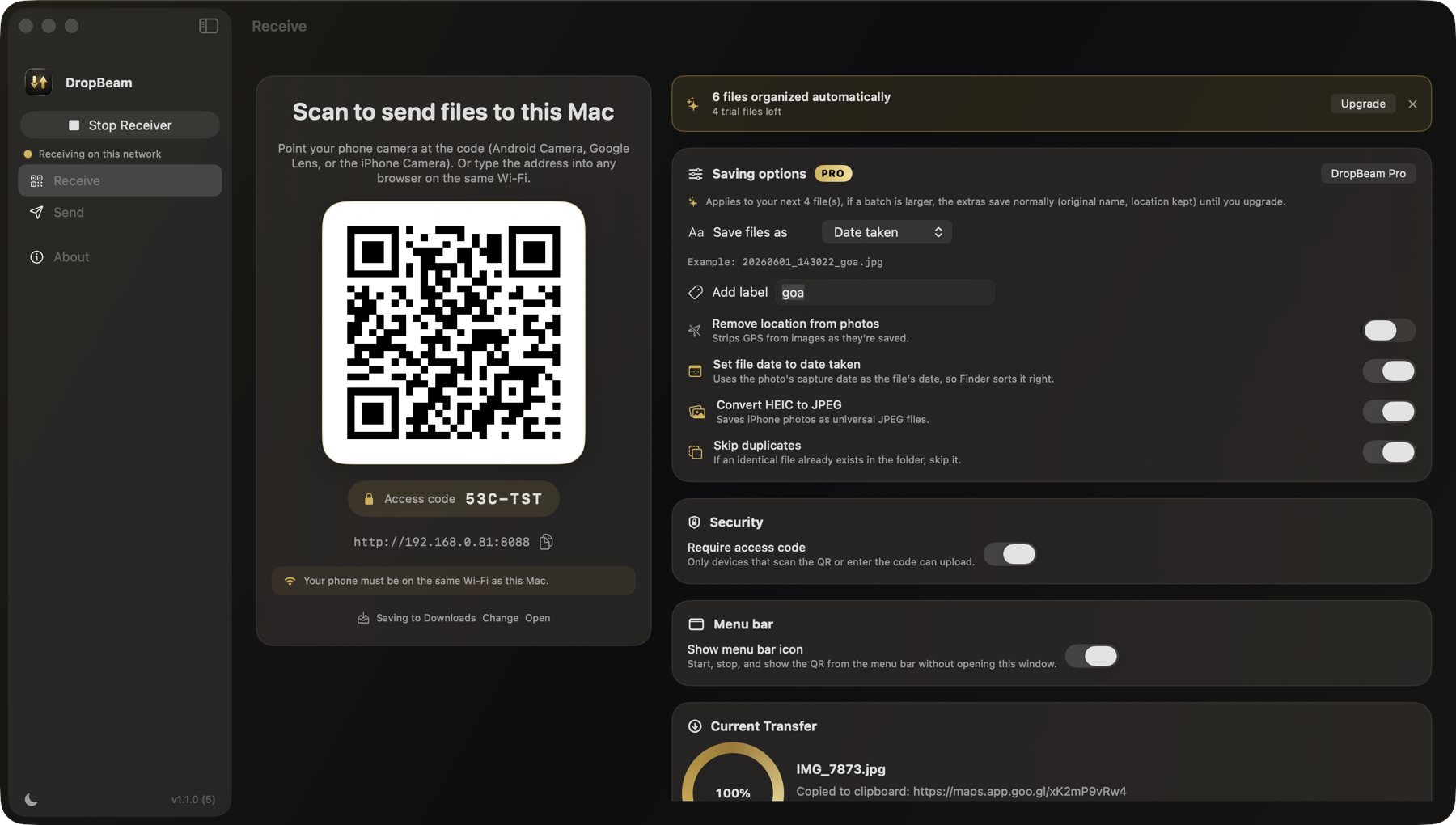
Send photos, videos, and files from any phone to your Mac over your own Wi-Fi. Scan a QR code and go. There is nothing to install on the phone.
Send photos, videos, and files from any phone to your Mac over your own Wi-Fi. Scan a QR code and go. There is nothing to install on the phone.
Most transfer tools make you install an app on both devices. DropBeam doesn't. Your phone already has the only thing it needs: a camera and a browser. That means it works on a borrowed phone, a guest's phone, or a locked-down work phone too. Just scan and send.
Three steps, and you never touch an app store on the phone.
Open DropBeam on your Mac and it shows a QR code, from the window or straight from the menu bar.
Point the phone camera at the code. A page opens in the phone's browser. Android or iPhone, both work.
Choose photos, videos, anything. They land straight in the folder you chose on the Mac, full size.
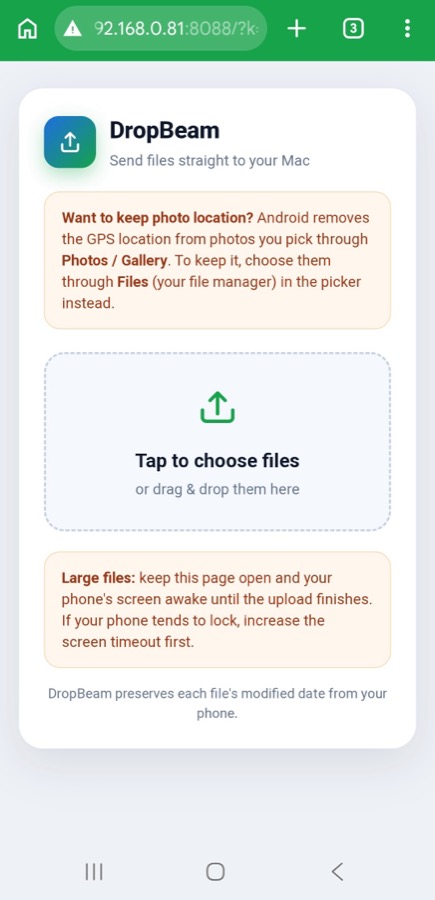
No download, no sign in, no permissions to grant. The page opens, you pick files, and they beam over your local Wi-Fi. Big videos arrive exactly as recorded, with their original dates intact and nothing recompressed.
Receiving is free and unlimited. Pro adds the organizing, as a one-time purchase. No subscription.
Unlimited, forever
$9.99 once. Yours forever.
Try every Pro feature free on your first 10 files.
Files travel directly between your devices over your own Wi-Fi. DropBeam has no servers, no accounts, and collects no data. When a transfer finishes, your files exist in exactly two places: the phone and your Mac.
Google discontinued its Mac transfer tool and never replaced it. Here is what actually works now.
Read: the Android File Transfer alternative for Mac